

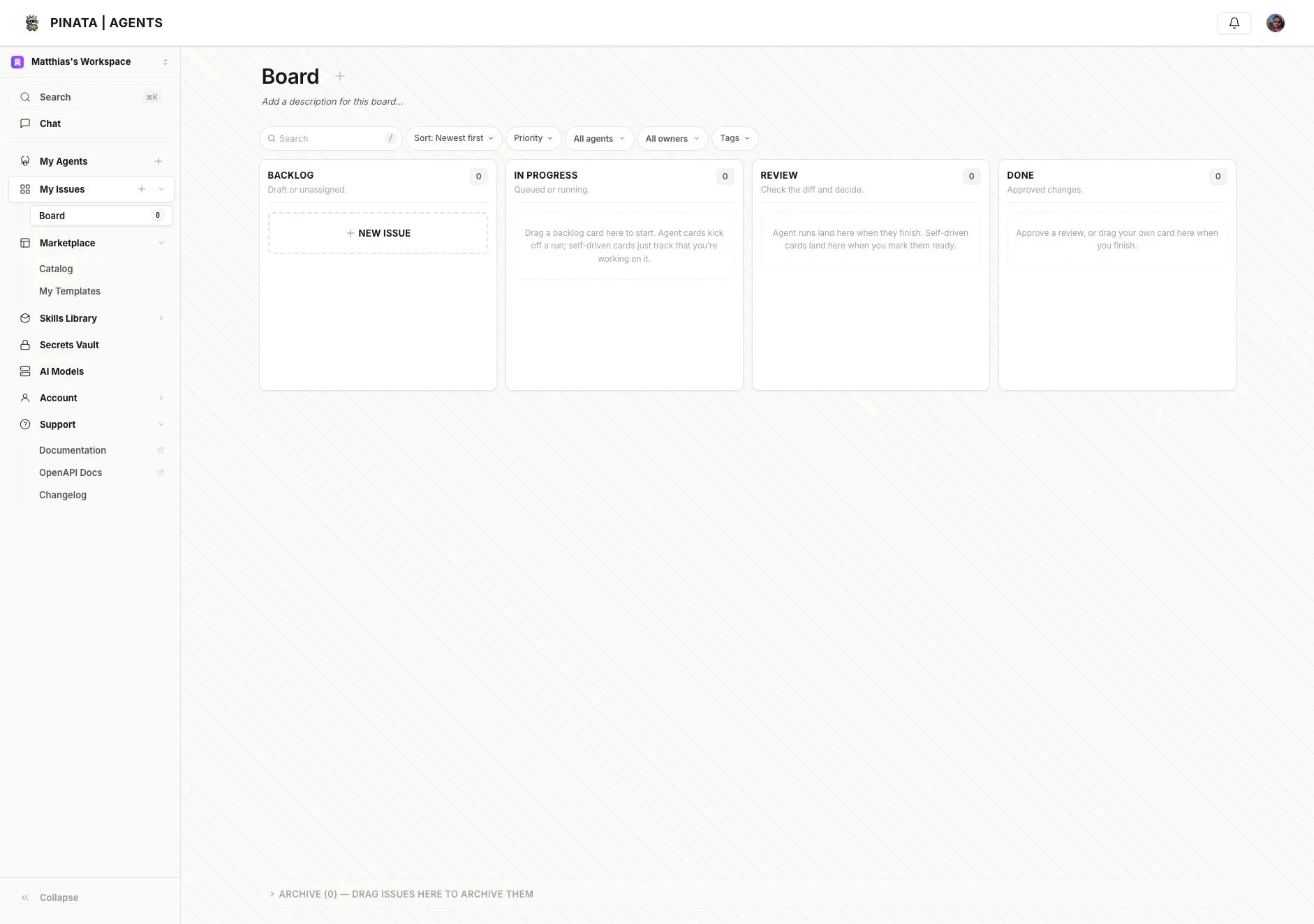
What the board does
Open My Issues from the main sidebar. The current board UI gives you:- Backlog for drafts and unassigned work
- In progress for queued or running agent work
- Review for completed runs that need a human decision
- Done for approved work
- Archive for cards you want out of the active board
Creating work
Use Add Issue or New Issue to create a card. The board is built for two common flows:- Agent-driven work — assign the card to an agent so it can run the task
- Self-driven work — use the card as planning/review structure for human work
How to read the columns
The current UI uses column descriptions directly in the board:- Backlog — draft or unassigned
- In progress — queued or running
- Review — check the diff and decide
- Done — approved changes
Where this shows up in the API
The OpenAPI schema includes first-class issue and issue-template surfaces, so the board is not just a UI convenience. Look for routes such as:/v0/issues/templates/v0/issues/templates/:templateId